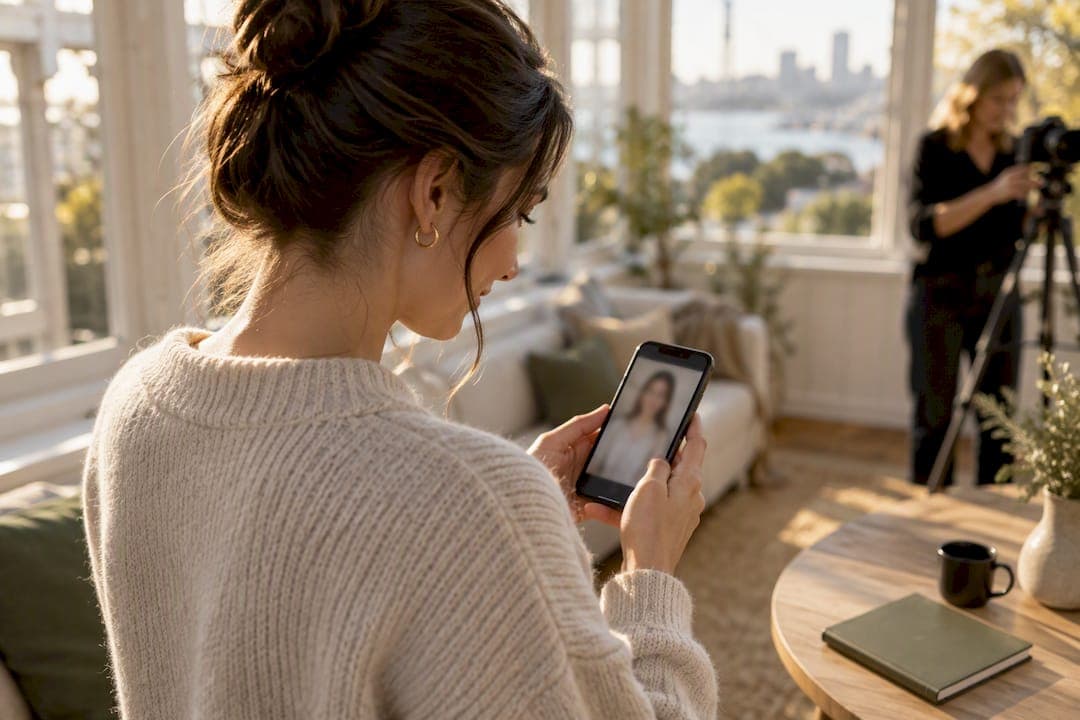
Include a photo only when an employer asks for one or it's customary for the role, such as acting or hospitality; otherwise put your energy into a strong online profile headshot instead. If you do use a photo anywhere in your application, it must be a recent head-and-shoulders shot on a plain background that looks exactly like the person who'll walk into the interview. A photo can complement your CV but should never replace the written evidence of your skills and experience.
TL;DR:
- If the application does not specifically request a photo, leave it out of the CV and focus on achievements and skills instead.
- Use a recent, high-quality headshot with a plain background, natural expression, and correct resolution for online profiles like LinkedIn.
- Avoid outdated, heavily filtered, or cluttered photos, as these can signal a lack of professionalism and reduce recognition.
- For best results, seek feedback on your candidate photos from others and retake if multiple checklist items are not met.
- Consider professional headshot sessions if multiple crops or polished images are needed for different platforms or branding purposes.
Table of Contents
- Resume photo tips: CV or online profile only?
- How to take a professional headshot with your phone
- Common mistakes to avoid
- File specs, cropping and where to put the photo
- How to choose the best resume photo and get feedback
- Expert tips from a professional photographer
- A photographer's take on quick fixes
- Book a professional headshot session with Life in style Photography
- Where to read more
- Sources
- FAQ
Resume photo tips: CV or online profile only?
Most Careers New Zealand CV guidance recommends leaving photos off the CV itself unless the employer specifically asks for one, and instead spending that space on achievements and skills an applicant tracking system can actually read. Online profiles run on the opposite logic. LinkedIn and job boards like SEEK expect a face, because that's how recruiters build recognition and trust before they meet you.
There's a legal dimension too. Employment New Zealand's discrimination guidance confirms that protections apply throughout recruitment, which is precisely why an unnecessary photo on a CV can create risk for employers rather than help you. A face reveals age, ethnicity, and other characteristics that have nothing to do with whether you can do the job, and some organisations strip photos before shortlisting for that exact reason.
The decision rule is simple:
- Follow the application instructions first. If a form or job ad asks for a photo, provide one.
- If nothing is specified, leave the CV text-first and put your best effort into a polished profile headshot instead.
- When applying through a recruitment agency or portal that pulls from your LinkedIn profile, that image is doing more work than anything you'd embed in the CV itself.
How to take a professional headshot with your phone
You don't need a studio to get a usable, professional-looking headshot. You need decent light, a steady camera, and about fifteen minutes.
- Find your background. A plain, uncluttered wall works best. Neutral tones (soft grey, off-white, muted blue) photograph better than bright colours or busy textures.
- Get the light right. Stand facing a window with diffused daylight, not direct sun. Overcast days are ideal. A cheap ring light works if natural light isn't available. Avoid overhead lighting that casts shadows under your eyes.
- Set your frame. Head-and-shoulders only, with roughly a finger-width of space above your head. Position the phone at eye level, not angled up or down.
- Hand the phone to someone else. A selfie stretches your face and distorts proportions. Ask a friend, partner, or flatmate to hold the phone steady, or use a tripod with a timer.
- Dress for the room you're walking into. Solid colours or simple patterns read cleanly on camera. Skip logos, statement jewellery, and anything that competes with your face.
- Do the minimum edit. Crop tightly, lift the exposure and contrast slightly, and correct any colour cast. Do not apply filters that smooth skin or reshape your face.
Pro Tip: Take twenty frames, not two. Vary your smile slightly between shots (closed lips, small smile, teeth showing) and pick the one where your eyes look most natural, not the one where you think you look thinnest.
Common mistakes to avoid
Most CV photo problems fall into a handful of repeat offenders, and they're easy to fix once you know what to look for.
- Cropped social photos. A holiday shot, a group photo with someone edited out, or a selfie at a wedding all signal that you didn't put thought into your application.
- Heavy filters and outdated images. If the person in the photo doesn't look like the person who'll show up to the interview, it works against you, not for you.
- Distracting backgrounds and patterned clothing. Anything busy behind or on you pulls attention away from your face, which is the opposite of the point.
- Bad cropping. A photo where your shoulder is cut off, or your face is so small it's barely recognisable, looks careless rather than casual.
- Assuming every system displays it. Many CVs get parsed by an applicant tracking system that may strip or ignore embedded images entirely, so critical details always belong in the text, never only in a caption under your photo.
Trade Me Jobs lists a photo among the items commonly flagged as unnecessary on a CV, reinforcing that when in doubt, the safer default is to leave it out of the document itself.
File specs, cropping and where to put the photo
Technical details matter more than most jobseekers realise, because a pixelated or oddly sized photo undercuts even a well-shot original.
- File type. JPEG or PNG at good quality settings works for both CVs and online profiles.
- Resolution for print. If you're embedding a photo in a PDF that might get printed, use a crop of at least 300 ppi so it stays sharp.
- Resolution for screens. Online profiles typically display best between 400 and 1,200 pixels square, depending on the platform.
- Physical size on a printed CV. Keep it small, roughly 35 to 45mm high, positioned as a secondary element rather than the focal point of the page.
- Square crop for LinkedIn. Careers New Zealand's guidance on setting up a profile recommends a headshot-only crop with professional attire and a plain background, filling the frame with your head and shoulders rather than leaving empty space.
- Preview before you send. Export the CV as a PDF and check the photo at full zoom. If it looks soft or blocky on screen, it'll look worse printed.
SEEK New Zealand's own advice for professional profiles backs this up: a high-quality image with a plain background, a natural smile, and upright posture performs better than a casual or low-resolution alternative, because recruiters scan dozens of profiles quickly and a sharp, recognisable photo earns a second look.
How to choose the best resume photo and get feedback
Run every candidate photo through the same five checks before you commit to one.
- Is it recent? If it's more than twelve months old, or you've changed your hairstyle, glasses, or facial hair since, take a new one.
- Is your face clear and recognisable? Someone who's met you once should be able to pick you out instantly.
- Is the background plain? No furniture, no other people, no branded signage in the frame.
- Does your expression look natural? A relaxed, approachable look beats a stiff, forced smile every time.
- Is the resolution high enough? Zoom to 100% and check for blur or pixelation before you upload it anywhere.
Once you've picked two or three finalists, get outside eyes on them. Show a mentor or a peer the options side by side and ask which one they'd trust more on a professional profile. If you can, upload the top choice privately to LinkedIn and preview how it renders in both the desktop and mobile views before making it public.
Re-shoot if more than one checklist item fails, or if your reviewers land on a different photo than the one you expected them to pick. That disagreement is useful information, not a nuisance.
Expert tips from a professional photographer
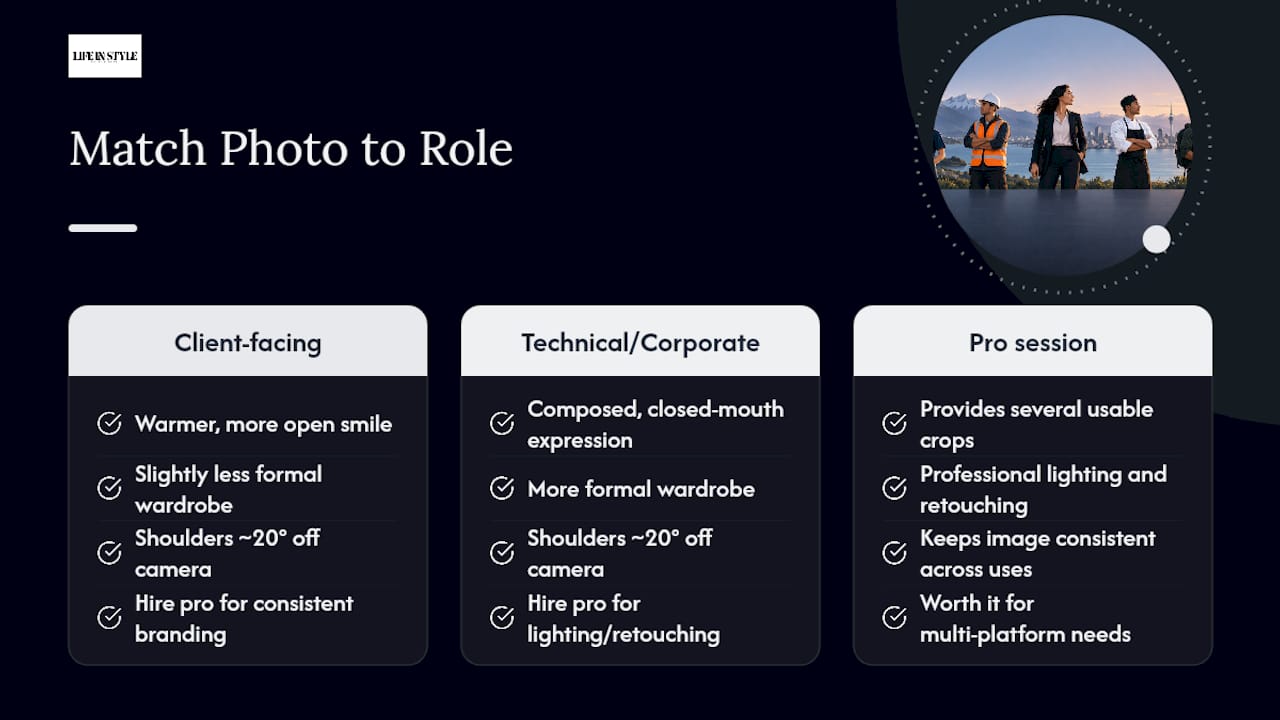
Small adjustments make the biggest difference in how relaxed and credible you look on camera. Dropping your chin slightly and pushing your forehead a touch forward avoids the double-chin effect that comes from a flat, straight-on angle. Turning your shoulders about 20 degrees off the camera, rather than squaring up to it, reads as more natural and less like a mugshot.
The clients who feel most awkward in front of a camera usually just need one thing changed, not ten. Fix the shoulder angle or the chin position, and the rest of the tension in the face tends to disappear on its own.
Match your presentation to the role. Client-facing positions, sales, hospitality, real estate, usually suit a warmer, more open smile and slightly less formal wardrobe than technical or corporate roles, where a composed, closed-mouth expression often reads as more credible.
Pro Tip: If you need the same headshot to work across LinkedIn, a company directory, and printed marketing material, get several crops done in one session rather than resizing a single image repeatedly, which degrades quality every time.
A paid session earns its cost when you need consistent branding across multiple platforms, several usable crops from one sitting, or professional lighting and retouching that improves the image without changing who you actually look like.
A photographer's take on quick fixes
Most camera-shy clients aren't bad subjects. They're just tense in one spot, usually the jaw. Ask them to drop their shoulders and exhale before each shot and the whole face softens. Try the checklist above with your phone first. If the results still feel stiff or you need multiple polished crops, that's when booking a session actually pays off.
— Rowan Freeman
Book a professional headshot session with Life in style Photography
If your phone attempts still feel a bit stiff, or you need several polished crops for LinkedIn, a company bio, and a CV attachment all from one sitting, that's exactly where a proper headshot session earns its keep. Professional photographers run relaxed, guided sessions that put even the most camera-shy clients at ease, so what you walk away with looks like you on a good day, not a stressed version of you trying to perform for a lens.
Sessions range from The Short one, from $345, through to The Standard one at $575, with a Half day Office photoshoot at $2,300 for teams that need consistent branding across an entire workplace. Every option includes guided posing so you're not left guessing what to do with your hands or your face, and you leave with multiple crops ready for your CV, LinkedIn, and any professional bio that needs a current photo. If you're job hunting, updating your personal brand, or refreshing a team's headshots ahead of a website update, head to the headshot photography services page and get a quote for your session.
Where to read more
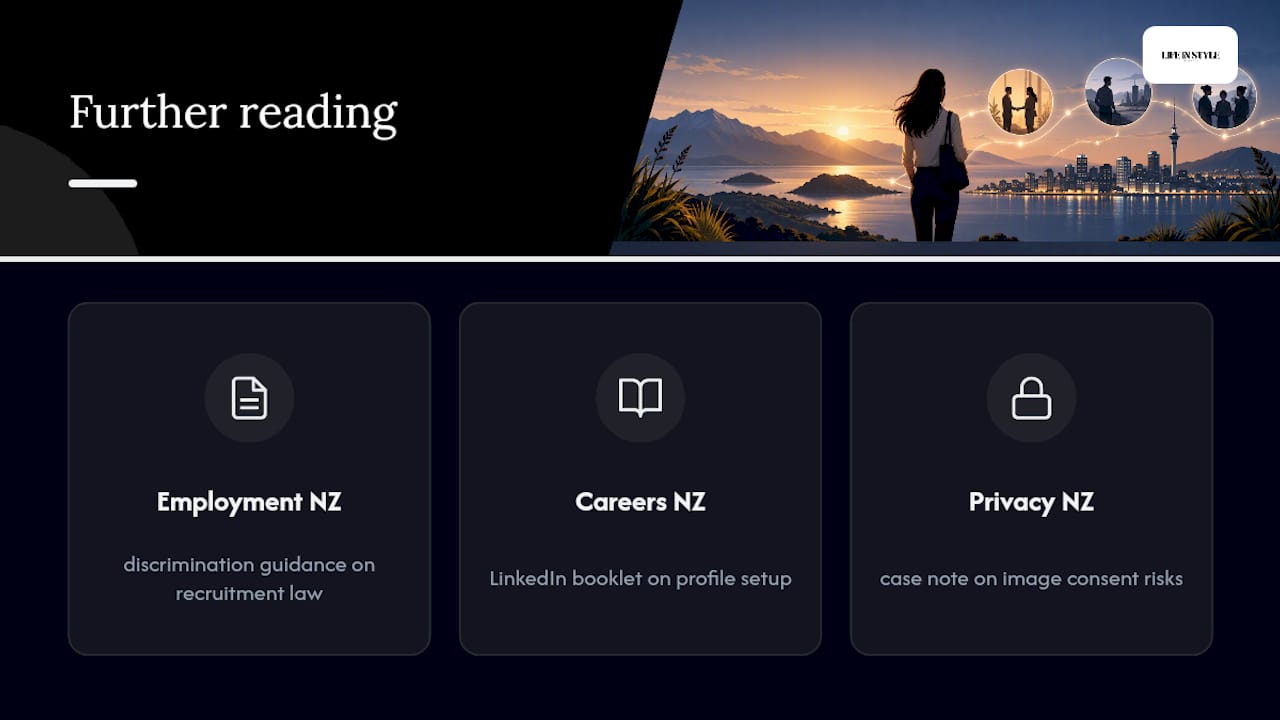
For deeper detail, Employment New Zealand's discrimination guidance covers recruitment law, Careers New Zealand's LinkedIn booklet covers profile setup, and the Privacy NZ case note covers image consent risks.
Sources
- SEEK New Zealand — How to write a professional profile
- Employment New Zealand — Discrimination
- Privacy NZ — Case note on use and disclosure of a photo (2025)
FAQ
What is the ideal photo for a resume or online profile?
The ideal photo is a recent head-and-shoulders shot against a plain background, with a natural smile and upright posture, matching the standard Careers New Zealand recommends for LinkedIn profiles. It should look like the person walking into the interview, not a filtered or years-old version of them.
What is a red flag on a resume when it comes to photos?
A red flag is a casual, cropped, or outdated photo that doesn't match how the candidate currently looks, or an image with a distracting background and poor resolution. It signals a lack of care, which is the opposite impression a resume photo should create.
What is the 7 second rule for resumes?
Recruiters typically spend very little time on a first scan of a CV, meaning anything on the page, including a photo, needs to communicate instantly rather than require a second look. A clear, plain, well-cropped headshot works within that window; a cluttered or unclear one wastes it.
Should I include a photo if the job application doesn't ask for one?
If the application doesn't request a photo, it's generally safer to leave your CV text-first and put a strong headshot on your online profile instead, following the SEEK New Zealand guidance on professional profiles. This avoids any risk tied to discrimination protections during recruitment while still giving recruiters a face to recognise online.
How much does a professional headshot cost in New Zealand?
Pricing varies by photographer and session length. At Life in style Photography, headshot sessions start at $345 for The Short one, with options up to a half day office photoshoot for larger teams.